Open your laptop.
Stay with your work.
Your Mac is where good work happens. Give it a little breathing room with app and website blocking.
Try Atten today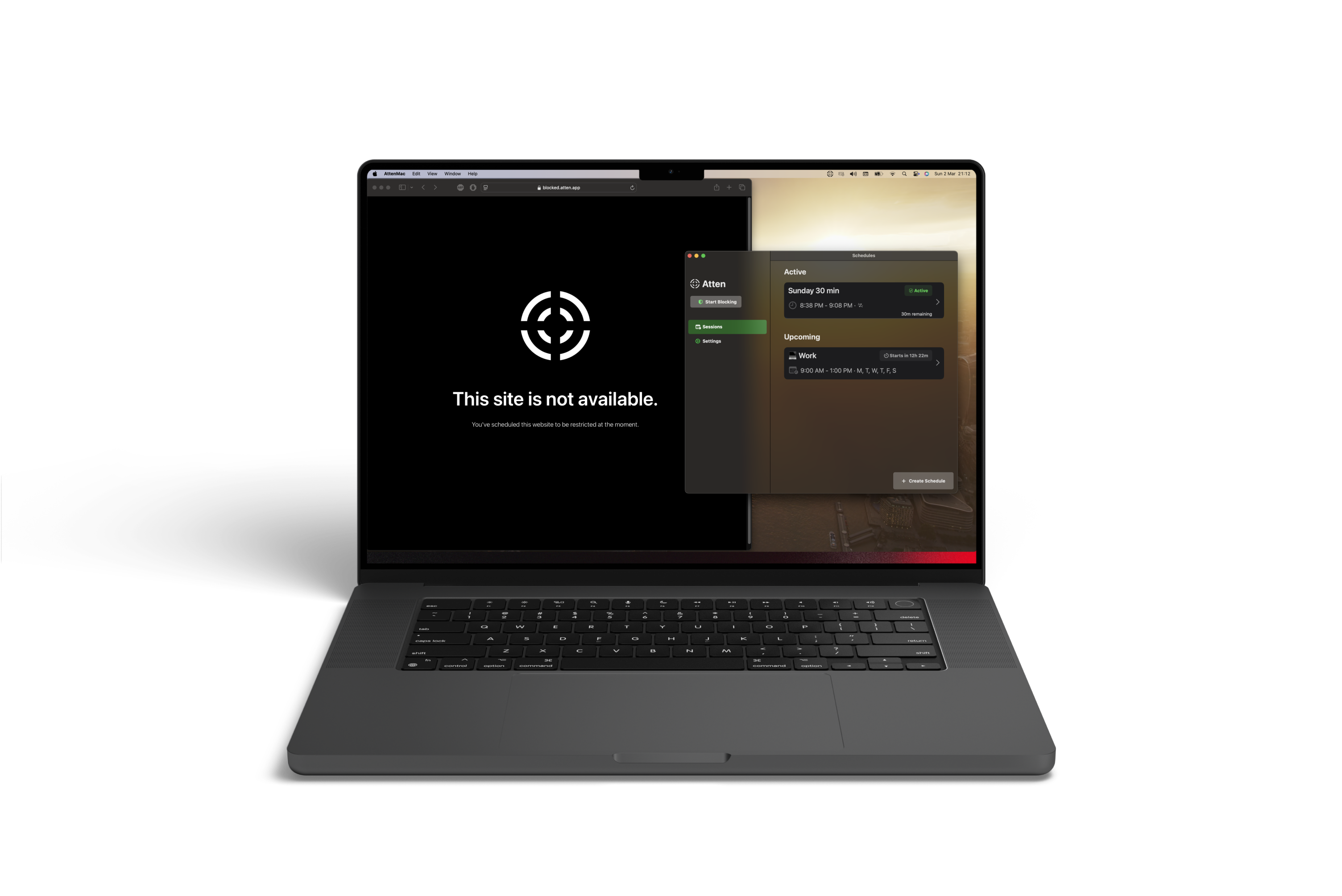
Keep the tools.
Quiet the distractions.
The same browser can hold your work and your favourite detour. Choose the apps and websites you want out of the way, without taking everything offline.
Read the Mac website-blocking guide- 01
Choose your block list.
Pick distracting apps and websites. Leave your work, study, and communication tools available.
- 02
Give your focus a time.
Start a session for the task in front of you, or create a recurring schedule for your workday.
- 03
Make sure it fits.
Test your block in the browsers you use, and check that essential apps stay accessible before a longer session.
One intention.
Room for every screen.
With an optional Atten account, compatible rules and session state can sync across your Mac, iPhone, and iPad. Start with the device that distracts you most, and build from there.
Accounts & privacyA few Mac questions.
Is Remind available for Mac yet?+
The app is available now under its current name, Atten. The buttons on this page open the existing App Store listing. We’ll update them when Remind is released.
Can I block both apps and websites?+
Yes. Atten lets you select distracting apps and websites for focus sessions, recurring schedules, and daily limits. Test your rules with the browsers you use.
Do I need a browser extension?+
Atten is a Mac app. Its app and website controls don’t rely only on a browser extension.
Where do I find installation help?+
Visit our help page or contact the team. The existing Atten support address remains available through the transition.