Your phone.
Your attention.
Keep the apps you need. Give the ones that pull you away a time and a place.
Try Atten today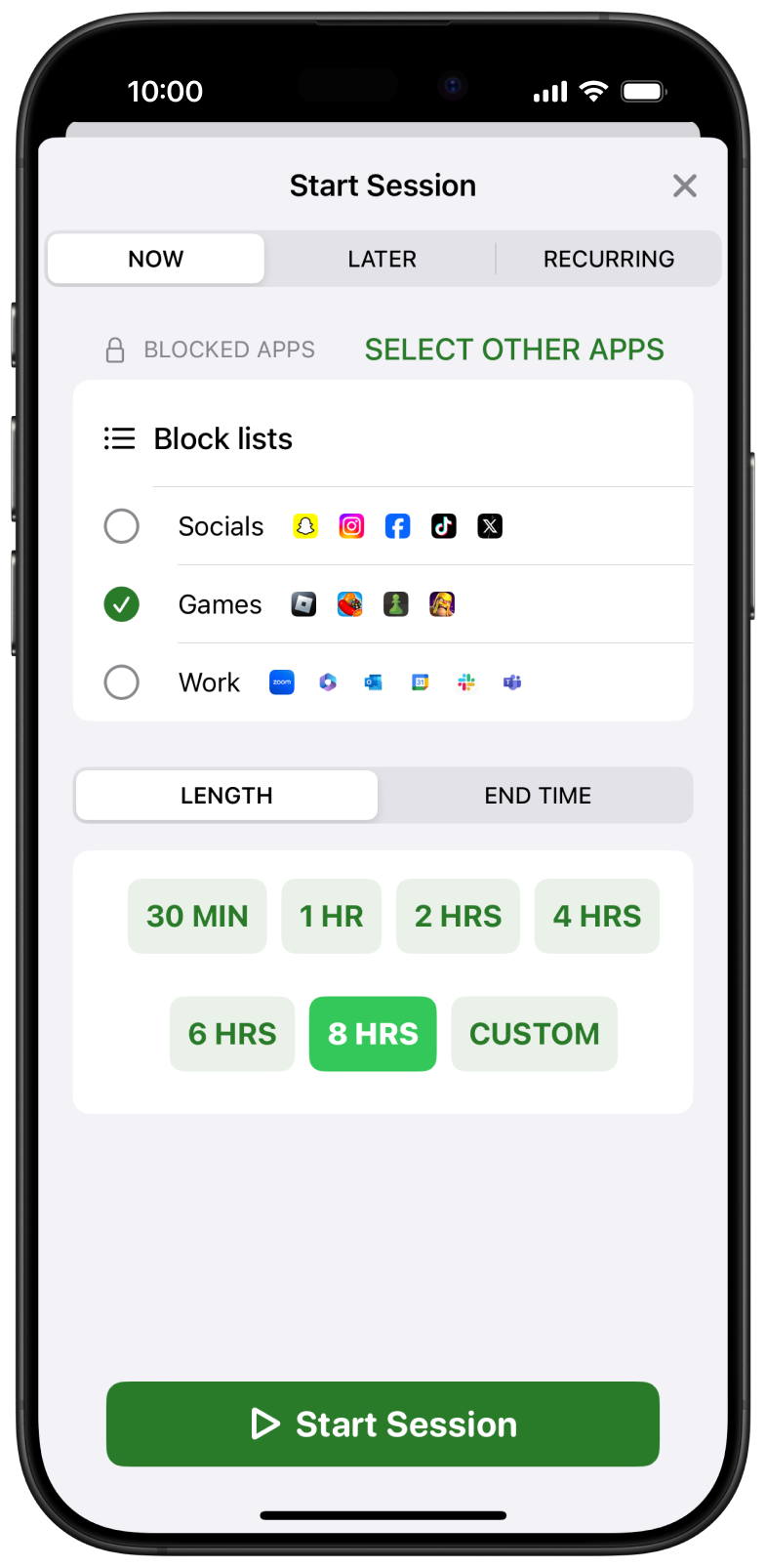
A boundary for
the way you work.
Choose distracting apps and websites together, then decide when they should be out of the way. Keep your course portal, maps, and essential conversations available.
Plan your focus week- 01
Start with one session.
Give the next task your attention. Choose a block list and a session length, then check that the tools you need still open.
- 02
Make the good hours repeat.
Use recurring schedules for library time, work, or an evening cutoff. Test the start and end on each device.
- 03
Set a daily allowance.
Keep an app available within a chosen budget when a full block would get in the way. Review the selection before relying on it.
Choose carefully.
Try a short block.
Atten uses Apple’s Screen Time permissions on iPhone and iPad. Grant access during setup, select your distractions, and run a brief test with an app, its website, and an essential tool.
App access and notifications use different controls. Combine your block with Apple Focus if alerts still pull you away.
Build a useful study block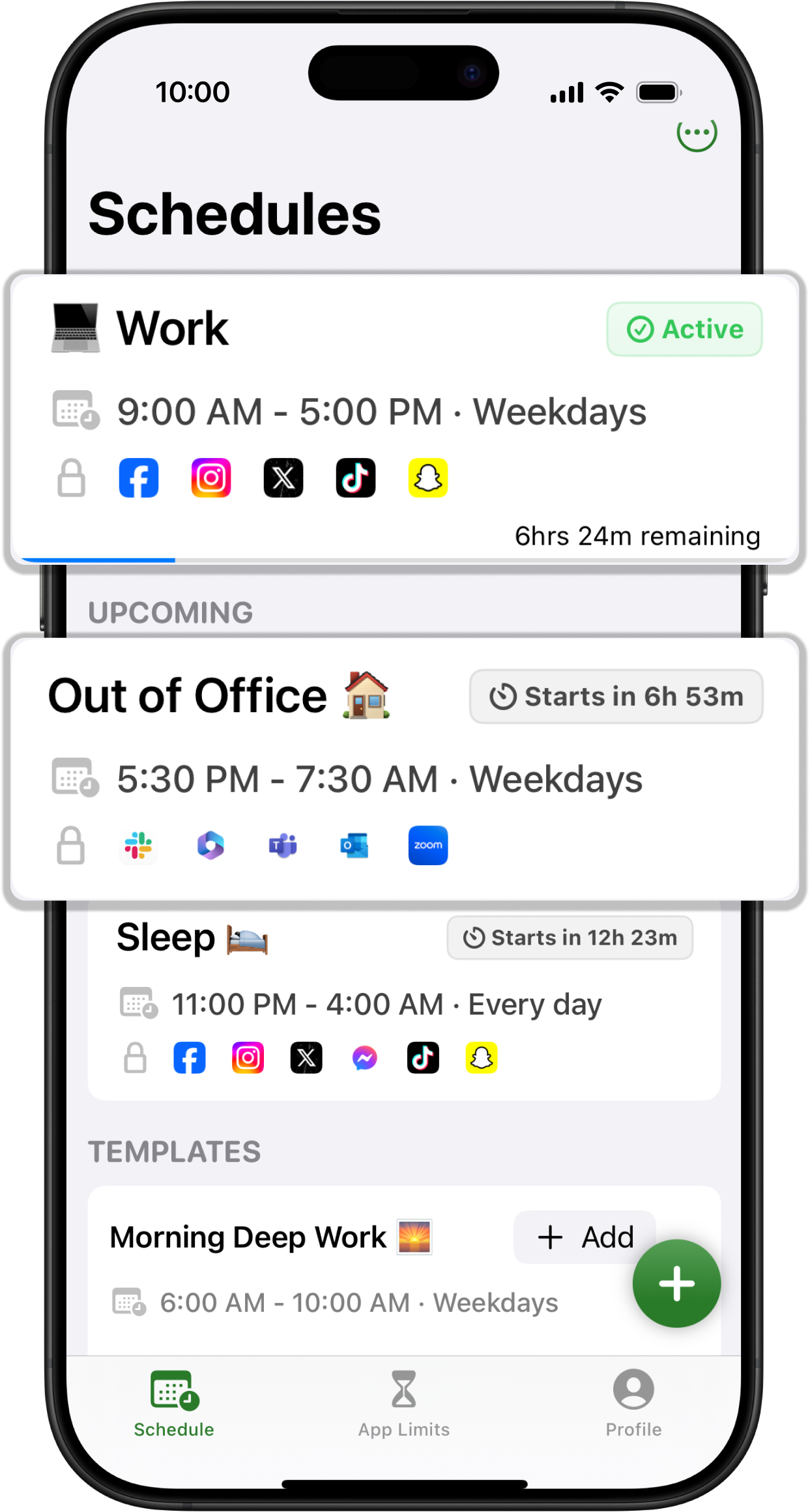
Before you begin.
Why does the download say Atten?+
Remind is the upcoming name for Atten. These buttons open the currently released Atten app for iPhone, iPad, and Mac. Read about the name change.
Do I need a separate blocker?+
Apple’s built-in Screen Time may already fit your routine. Use our Screen Time comparison to choose between native controls and Atten’s reusable app-and-website workflow.
Can I block only YouTube Shorts?+
A whole-app block also restricts videos you may need. Start with YouTube’s Shorts feed limit when longer videos should remain available. A dismissible reminder and an app restriction behave differently.
Does it cover the website too?+
Select the distracting website as well as the app, then test the addresses and browsers you use. Our iPhone website guide explains the options and their version differences.
Do I need an account?+
You can use Atten without signing in. An optional account supports compatible rule and session-state synchronization between Apple devices. Check the setup on each device; see accounts and privacy.
How do Opal and Freedom compare?+
Read our documentation reviews of Opal and Remind and Freedom and Remind. Start with device coverage, the rules you need, and how exceptions work.